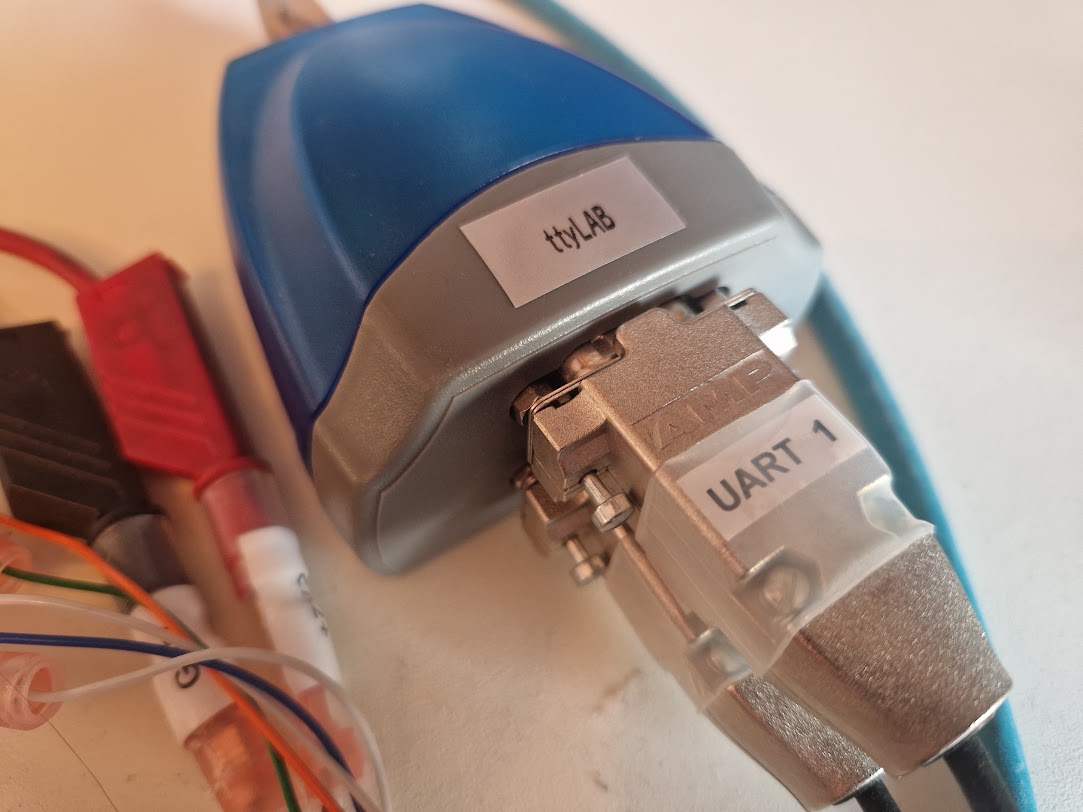
Naming your serial ports with udev
Brief
UART is still a very common way to communicate with embedded systems, in fact, I would say that it is the most common way. When looking around in my lab, I can see that I have four different development boards/projects connected via UART to my computer. Two of them even use more than one port.
My point is that when you have many serial ports connected to your computer, it can be hard to keep track of which port is which. Especially if you have to unplug and replug them from time to time as the /dev/ttyUSBx or /dev/ttyACMx names can change.
What already exists
Yes, you can keep it consistent by refering to /dev/serial/by-*/, but those names are not very user friendly as you can see:
 1$ ls /dev/serial/by-*
 2/dev/serial/by-id:
 3usb-FTDI_TTL232R-3V3_FT9GF3WL-if00-port0  usb-FTDI_USB_FAST_SERIAL_ADAPTER_FT1DOJH7-if00-port0  usb-FTDI_USB_FAST_SERIAL_ADAPTER_FT4PSCBS-if00-port0
 4usb-FTDI_TTL232R-3V3_FTDO721C-if00-port0  usb-FTDI_USB_FAST_SERIAL_ADAPTER_FT1DOJH7-if01-port0  usb-FTDI_USB_FAST_SERIAL_ADAPTER_FT4PSCBS-if01-port0
 5
 6/dev/serial/by-path:
 7pci-0000:80:14.0-usb-0:1.3.1.3.1.1:1.0-port0  pci-0000:80:14.0-usb-0:1.3.3.3.3:1.0-port0      pci-0000:80:14.0-usbv2-0:1.3.1.3.1.3:1.0-port0
 8pci-0000:80:14.0-usb-0:1.3.1.3.1.1:1.1-port0  pci-0000:80:14.0-usb-0:1.3.3.3.3:1.1-port0      pci-0000:80:14.0-usbv2-0:1.3.3.3.1:1.0-port0
 9pci-0000:80:14.0-usb-0:1.3.1.3.1.3:1.0-port0  pci-0000:80:14.0-usbv2-0:1.3.1.3.1.1:1.0-port0  pci-0000:80:14.0-usbv2-0:1.3.3.3.3:1.0-port0
10pci-0000:80:14.0-usb-0:1.3.3.3.1:1.0-port0    pci-0000:80:14.0-usbv2-0:1.3.1.3.1.1:1.1-port0  pci-0000:80:14.0-usbv2-0:1.3.3.3.3:1.1-port0
Those are created by udev rules that comes with the system, you can find it in /usr/lib/udev/rules.d/60-serial.rules on most Linux systems.
Custom udev rules
At least all FTDI based serial ports provide a unique serial number that we can use to identify the device, so we can create udev rules that creates symlinks based on that.
Here is what I came up with.
 1ACTION=="remove", GOTO="serial_end"
 2SUBSYSTEM!="tty", GOTO="serial_end"
 3
 4SUBSYSTEMS=="usb", IMPORT{builtin}="usb_id", IMPORT{builtin}="hwdb --subsystem=usb"
 5SUBSYSTEMS=="usb-serial", ENV{.ID_PORT}="$attr{port_number}"
 6
 7# Sanity checks
 8IMPORT{builtin}="path_id"
 9ENV{ID_BUS}=="", GOTO="serial_end"
10ENV{ID_USB_INTERFACE_NUM}=="", GOTO="serial_end"
11
12# Serial lookup
13ATTRS{serial}=="FT4PSCBS", ENV{LOCATION}="WORKPLACE"
14ATTRS{serial}=="FT1DOJH7", ENV{LOCATION}="LAB"
15
16ENV{.ID_PORT}=="?*", SYMLINK+="tty$env{LOCATION}$env{ID_USB_INTERFACE_NUM}"
17LABEL="serial_end"
Add the rule above to a file named e.g. 99-usb-serial-names.rules in /etc/udev/rules.d/ and reload and trigger the rules with the following commands:
1$ sudo udevadm control --reload-rules
2$ sudo udevadm trigger
The rule will create symlinks like /dev/ttyWORKPLACE00 and /dev/ttyLAB01 based on the serial number of the FTDI devices. The critical part is the ATTRS{serial}== lines where you match the serial number of the device and the naming you want.
You can find the serial attribute in sysfs, or just by looking into the kernel log when you plug in the device:
 1$ journalctl -fk
 2
 3usb 5-1.3.3.3.3: new full-speed USB device number 86 using xhci_hcd
 4usb 5-1.3.3.3.3: New USB device found, idVendor=0403, idProduct=6010, bcdDevice= 5.00
 5usb 5-1.3.3.3.3: New USB device strings: Mfr=1, Product=2, SerialNumber=3
 6usb 5-1.3.3.3.3: Product: USB FAST SERIAL ADAPTER
 7usb 5-1.3.3.3.3: Manufacturer: FTDI
 8usb 5-1.3.3.3.3: SerialNumber: FT4PSCBS
 9ftdi_sio 5-1.3.3.3.3:1.0: FTDI USB Serial Device converter detected
10usb 5-1.3.3.3.3: Detected FT2232C/D
11usb 5-1.3.3.3.3: FTDI USB Serial Device converter now attached to ttyUSB0
12ftdi_sio 5-1.3.3.3.3:1.1: FTDI USB Serial Device converter detected
13usb 5-1.3.3.3.3: Detected FT2232C/D
14usb 5-1.3.3.3.3: FTDI USB Serial Device converter now attached to ttyUSB1
Result
I now have logical names for my serial ports:
1[17:04:30]marcus@redpanda:~$ ls -al /dev/ttyLAB0*
2lrwxrwxrwx 1 root root 7 19 jan 15.02 /dev/ttyLAB00 -> ttyUSB2
3lrwxrwxrwx 1 root root 7 19 jan 15.02 /dev/ttyLAB01 -> ttyUSB3
And can put a small label on my lab setup to know which port is which :)