Rooting a VMC2040 security camera part 2: Extract the firmware
Brief
As there were no exposed vulnerabilities via UART (no TX, only RX) or network (no open ports that could be exploited), I decided to extract the firmware from the SPINAND flash.
This part of the series is about the process of extracting the firmware and analyzing it.
The other parts of the series are:
Extract the firmware
I have a XGECU-T48 programmer for such tasks. it supports a wide range of flash chips, including SPI NOR and SPI NAND.
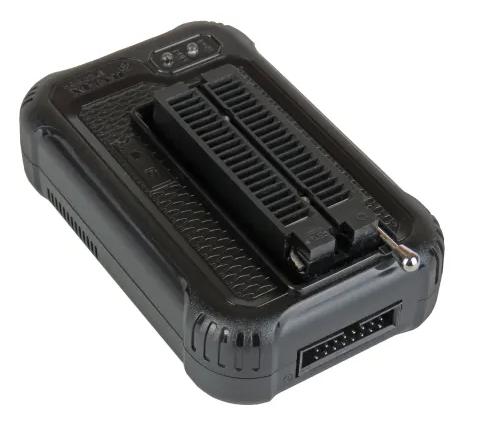
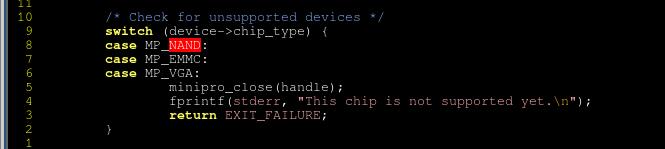
I usually use minipro [1] with XGECU-48 as that is what's available for Linux. I realize that this is the first time I use it with a NAND flash and, unfortunately, specifically NAND flashes are not supported :-( [2]:
Anyway. I installed the XGECU software on my daughters PC with Windows (nope, I do not own a single Windows machine) for this purpose.
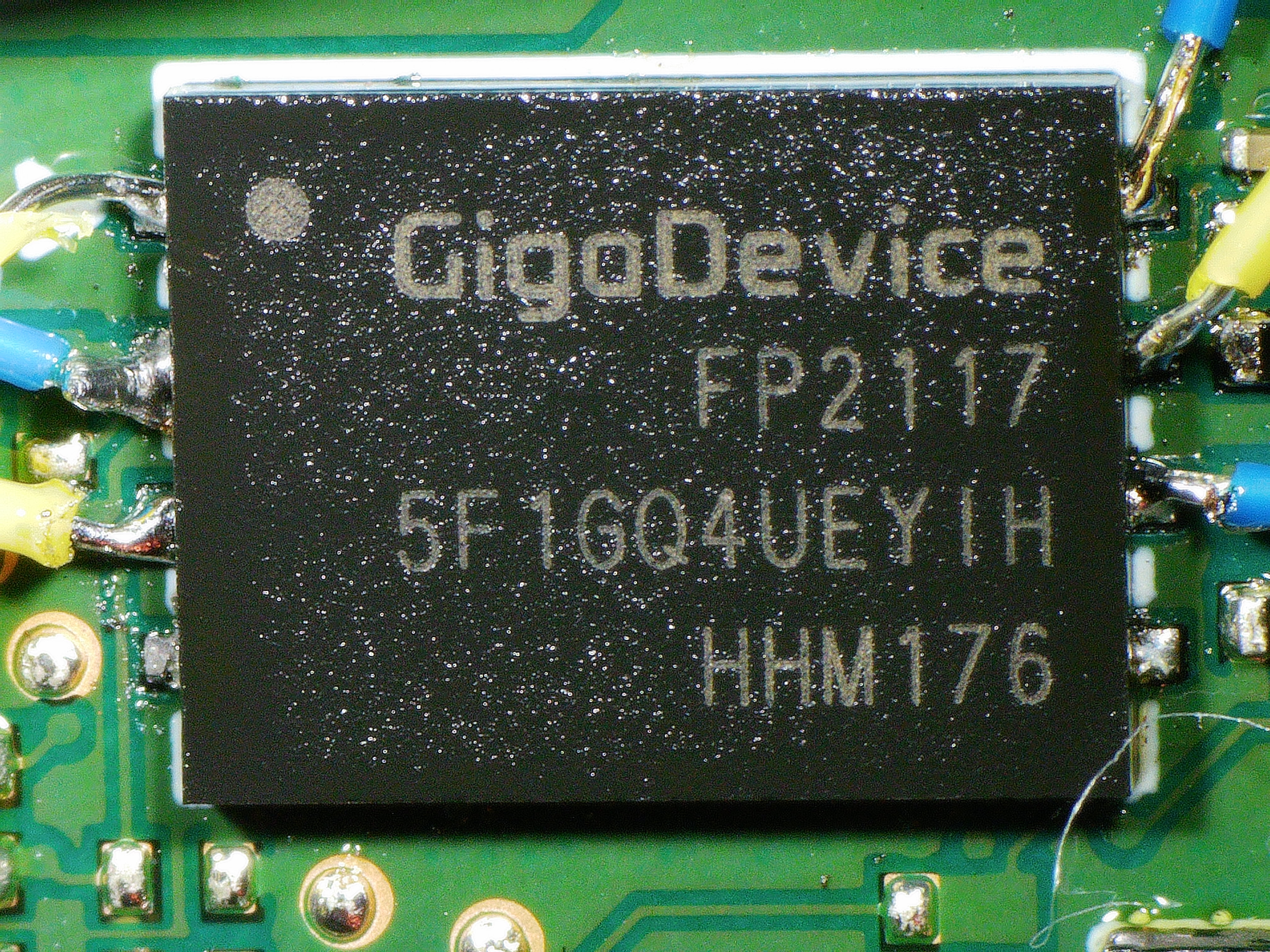
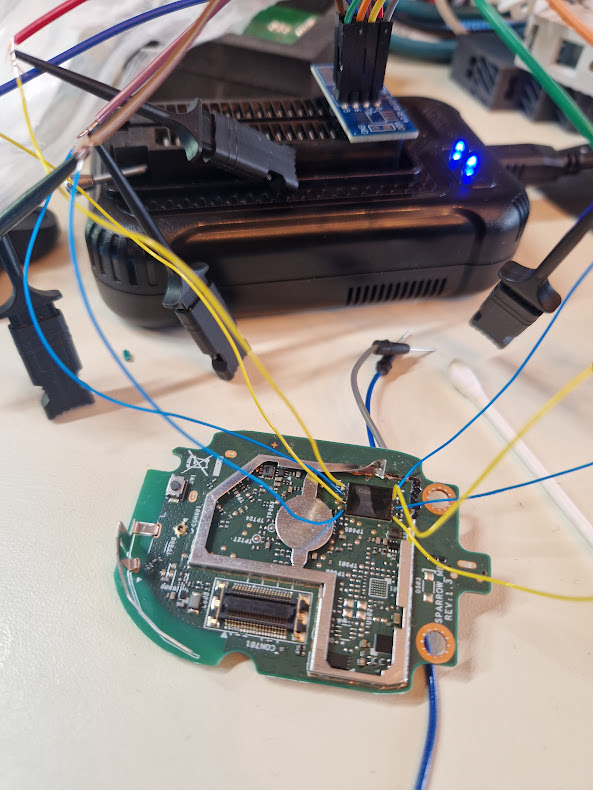
The package is a WSON8, so it's a pretty small (6x8mm, 1.27mm pitch) one. I have no clip for WSON8, so I soldered some wires to the flash chip and connected it to the programmer.
Honestly, I wasn't too optimistic about this, it just looks terrible. My only hope was that If I could go down in clockspeed, I might be able to read the flash. But nope.
Instead I applied some low melting point soldering alloy to the legs of the flash to easier remove it. Then I used a hot air gun to removed the IC.
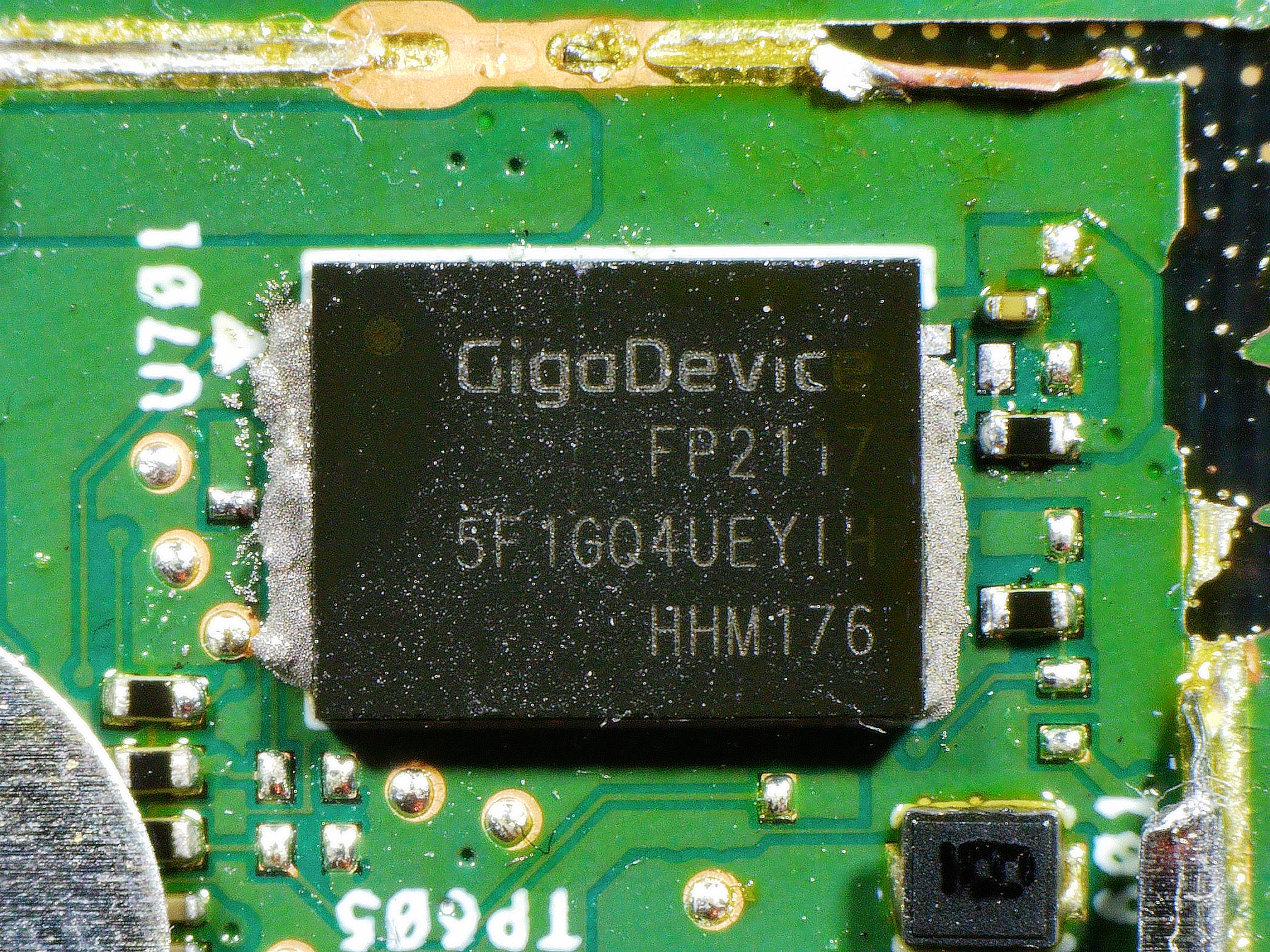
Removed. The damaged PCB is not because of the desoldering, I was a bit harshly when I removed the shielding.
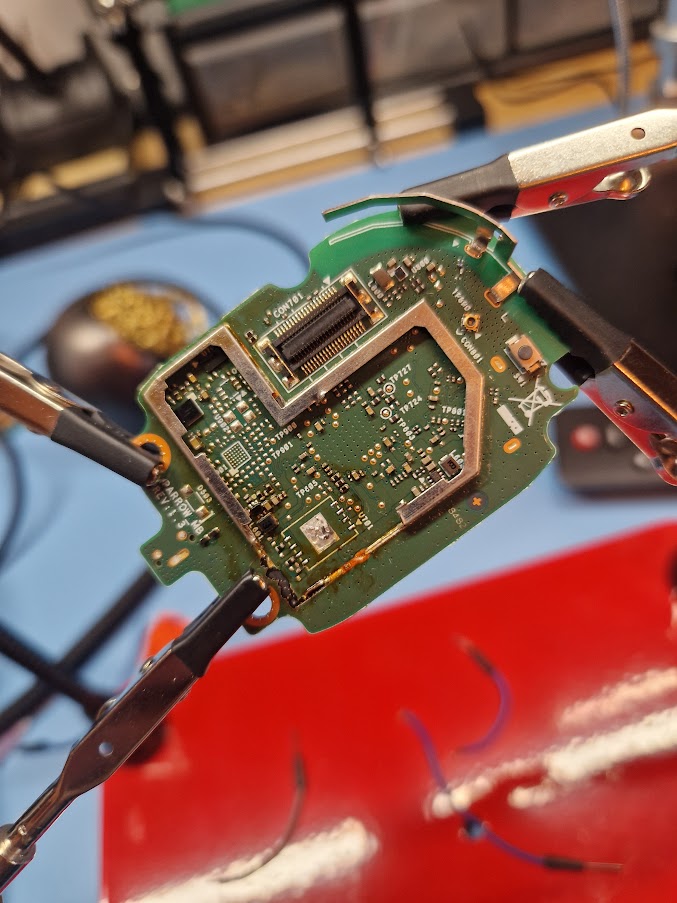
Resolder the IC on an adapter card. I found the Miniware MHP30 hot plate fantastic for this task.
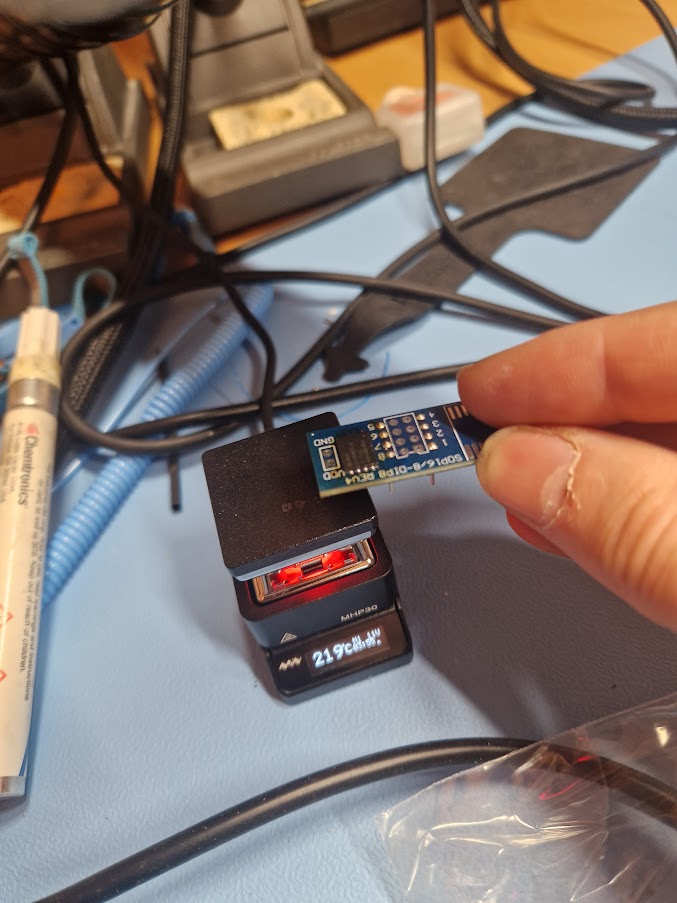
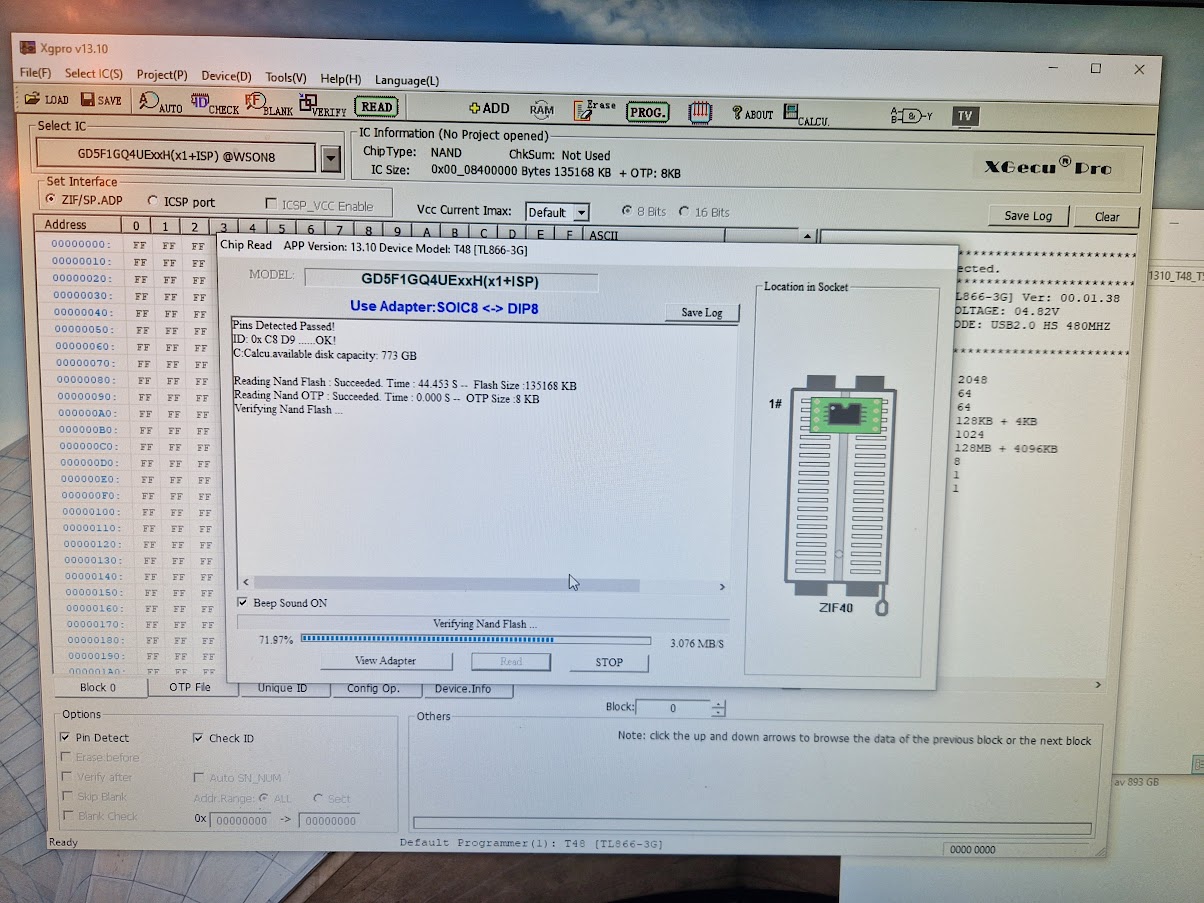
And read out the firmware:
Extract the data
binwalk [3] is a fantastic tool to analyze and extract firmware images out from a flash dump. I've used it many times before and it has never failed me, however, this time I couldn't get any useful data out of it. It found all signatures for the images so the data couldn't be encrypted, but it couldn't extract anything and complained about invalid data. Also, the signatures weren't on the expected offsets (Hint #1)
I managed to successfully extract and write back modified content for the U-Boot environment by manually use dd. (Hint #2) But more about this in the next part.
When I started to analyze the hexdump more carefully, I soon discovered that there were repeating chunks of size 0x40 with only 0xff (Hint #3). Wait... I checked the size of the dump and it was 135168 bytes (Hint #4)...
I felt a little stupid. I should have realized this before; The dump contained the OOB data. Of course binwalk failed to extract anything. For those unfamiliar with NAND flash, please read this post [4] about the topic.
The OOB also explains:
- Why everything weren't on the expected offsets.
- Why I could extract and modify the U-Boot environment - as it only occupy 2048 bytes (one page), I didn't cross any OOB boundary.
So I wrote a small Python script to remove the OOB data:
 1#!/usr/bin/env python3
 2"""Strip 64-byte OOB from each 2048+64 byte NAND page.
 3Usage: remove_oob.py <input> [output]"""
 4
 5import sys
 6from pathlib import Path
 7
 8PAGE, OOB = 2048, 64
 9
10inp = Path(sys.argv[1])
11out = Path(sys.argv[2]) if len(sys.argv) > 2 else inp.with_stem(inp.stem + "_no_oob")
12
13with inp.open("rb") as f, out.open("wb") as g:
14    while chunk := f.read(PAGE + OOB):
15        g.write(chunk[:PAGE])
Resulting in that binwalk were much happier:
 1$ binwalk -e ./nand_no_oob.bin
 2
 3---------------------------------------------------------------------------------------------------------------------------------------------------------------------------------------------------------------------------------------------
 4DECIMAL                            HEXADECIMAL                        DESCRIPTION
 5---------------------------------------------------------------------------------------------------------------------------------------------------------------------------------------------------------------------------------------------
 62111108                            0x203684                           CRC32 polynomial table, little endian
 72242180                            0x223684                           CRC32 polynomial table, little endian
 82373252                            0x243684                           CRC32 polynomial table, little endian
 92883648                            0x2C0040                           XZ compressed data, total size: 177512 bytes
103670080                            0x380040                           XZ compressed data, total size: 177512 bytes
117864320                            0x780000                           uImage firmware image, header size: 64 bytes, data size: 1736476 bytes, compression: lzma, CPU: ARM, OS: Linux, image type: OS Kernel Image, load address: 0x20008000,
12                                                                      entry point: 0x20008000, creation time: 2025-08-11 19:03:16, image name: ""
1313893632                           0xD40000                           uImage firmware image, header size: 64 bytes, data size: 1736332 bytes, compression: lzma, CPU: ARM, OS: Linux, image type: OS Kernel Image, load address: 0x20008000,
14                                                                      entry point: 0x20008000, creation time: 2023-09-26 05:37:58, image name: ""
1519922944                           0x1300000                          SquashFS file system, little endian, version: 4.0, compression: xz, inode count: 998, block size: 131072, image size: 16209796 bytes, created: 2025-08-11 19:05:31
1651380224                           0x3100000                          SquashFS file system, little endian, version: 4.0, compression: xz, inode count: 994, block size: 131072, image size: 16162340 bytes, created: 2023-09-26 05:40:12
1782837504                           0x4F00000                          UBI image, version: 1, image size: 4194304 bytes
18---------------------------------------------------------------------------------------------------------------------------------------------------------------------------------------------------------------------------------------------
19[+] Extraction of xz data at offset 0x2C0040 completed successfully
20[+] Extraction of xz data at offset 0x380040 completed successfully
21[+] Extraction of uimage data at offset 0x780000 completed successfully
22[+] Extraction of uimage data at offset 0xD40000 completed successfully
23[+] Extraction of squashfs data at offset 0x1300000 completed successfully
24[+] Extraction of squashfs data at offset 0x3100000 completed successfully
25[+] Extraction of ubi data at offset 0x4F00000 completed successfully
26---------------------------------------------------------------------------------------------------------------------------------------------------------------------------------------------------------------------------------------------
27
28Analyzed 1 file for 85 file signatures (187 magic patterns) in 1.0 seconds
Summary
We now have the firmware dumped and the next step (Part3) is to analyse it.