Marcus Folkesson

Embedded Linux Artist

Use custom EDID in Linux

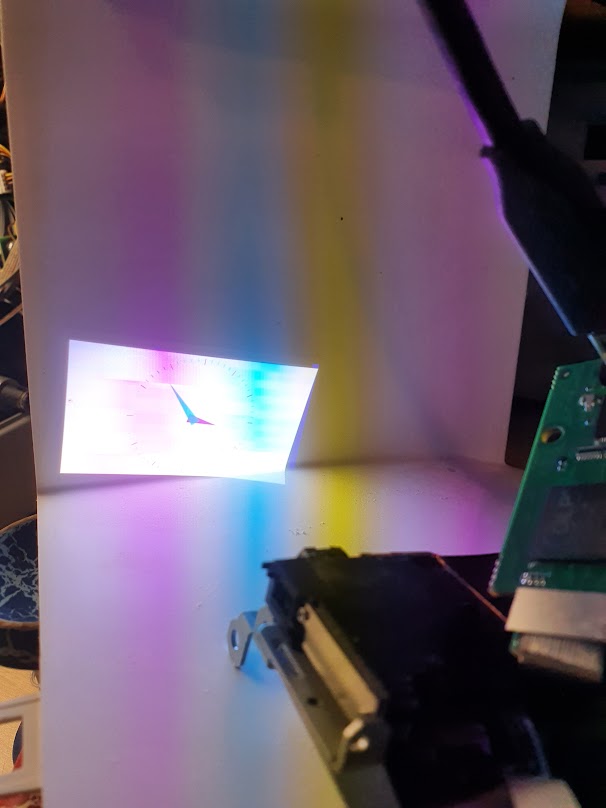
Use custom EDID in Linux Extended Display Identification Data (EDID) is a metadata format for display devices to describe their capabilities such as resolution, display size, timing, bit depth and update frequency. It's a 128-byte (EDID) or 256-byte (Enhanced-EDID) structure transferred from the display device over the Display Data Channel (DDC) protocol, which is a layer on top of the I2C specification. The EDID is accessible via the I2C address 0x50 and can usually be read even if the display is turned off, which is quite nice. cover
Audio and Embedded Linux

Audio and Embedded Linux Brief Last time I used wrote kernel drivers for the ASoC (ALSA System on Chip) subsystem, the functionality was split up into these parts: Platform class driver that defines the SoC audio interface for the actual CPU itself. This includes both the DAI (Digital Audio Interface) and any potential audio muxes (e.g. i.MX6 has its AUDMUX). CODEC class driver that controls the actual CODEC. Machine drivers that is the magic glue between the SoC and the CODEC which connect the both interfaces. Such driver had to be written for each SoC-CODEC combination, and that does not scale very well. Nowadays, most of the CODEC class drivers is now adapted to be described with the simple-audio-card [1] in a device tree, which will completely replace the machine drivers. cover

Debug kernel with KGDB

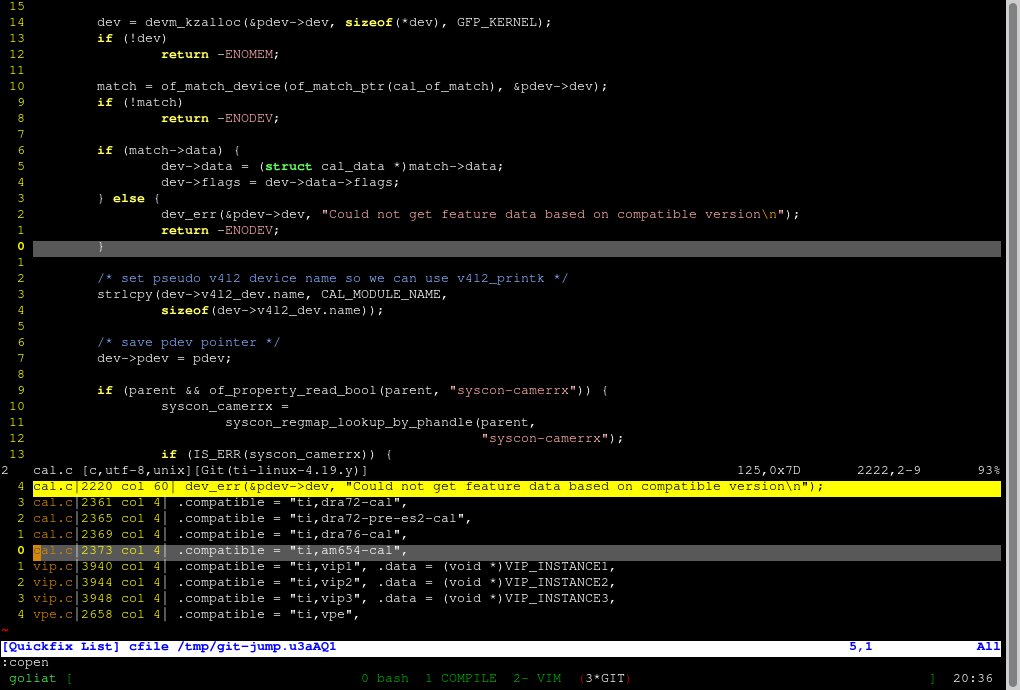
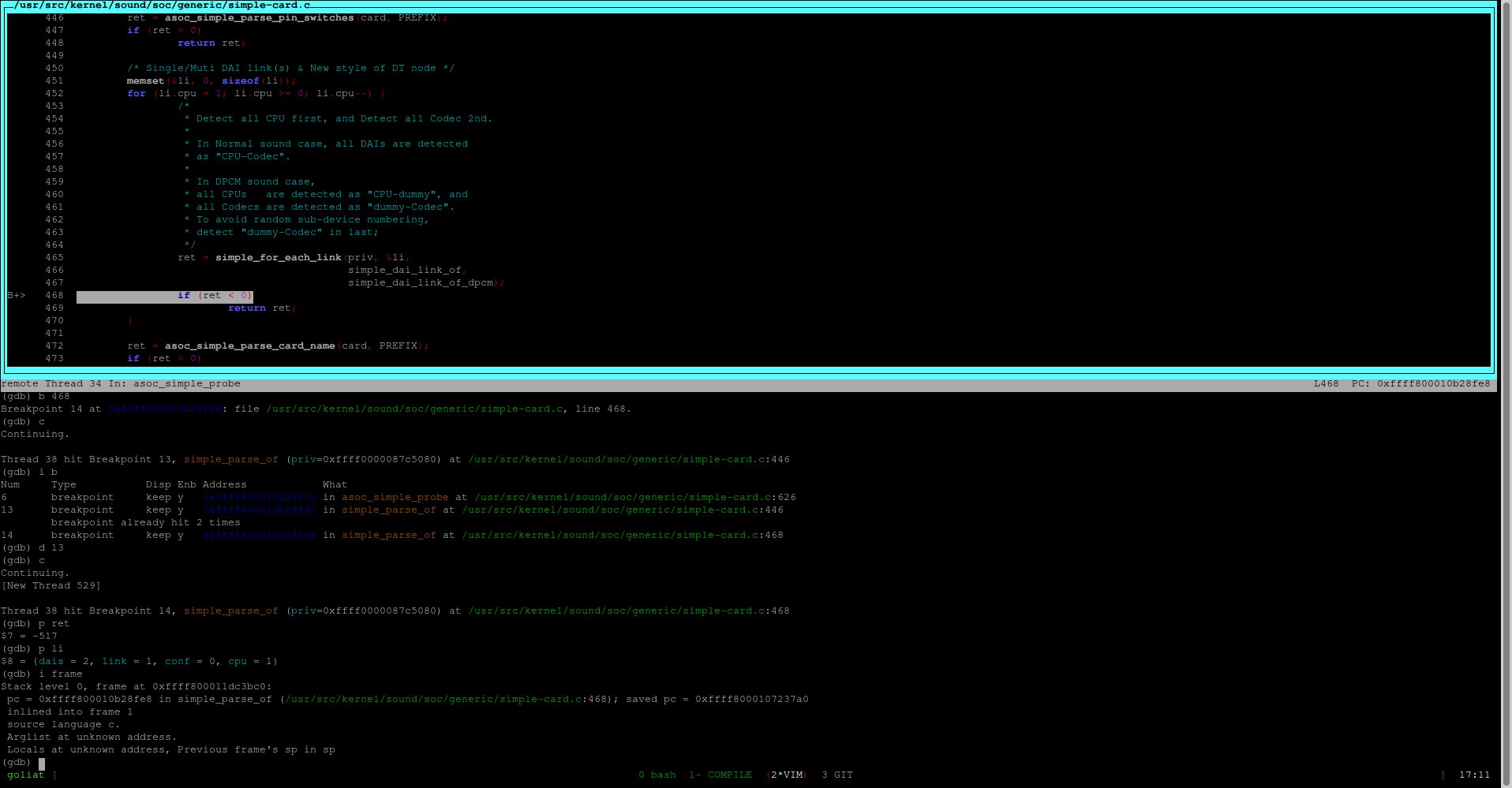
Debug kernel with KGDB What is KGDB? KGDB intend to be used as a source code level debugger on a running Linux kernel. It works with GDB and allows the user to inspect memory, variables, setup breakpoints, step lines and instructions. Pretty much the same that all application developers are used to, but for the kernel itself. Almost every embedded Linux system does have a serial port available, and that is all that you need to connect GDB to your kernel. cover

TIL - Virtual CAN interfaces

TIL - Virtual CAN interfaces TIL, Today I Learned, is more of a "I just figured this out: here are my notes, you may find them useful too" rather than a full blog post There are many scenarios where a virtual Controller Area Network(CAN) interface could be handy. It let you develop and test applications that without an actual physical CAN bus. My scenario is to play around with Berkley Packet Filter(BPF) [1] and do some data manipulation on recieved CAN frames in kernel space.

Raspberry Pi and QEMU

Raspberry Pi and QEMU What is QEMU? QEMU is a generic and open source machine emulator and visualizer. It emulates full machines (boards) of different architectures and is useful for both application and kernel development. The CPU itself could be fully emulated (together with devices, memories and so on) or work with a hypervisor such as KVM or Xen. If support for your hardware is missing, then it's a fairly easy task to write a stub driver that your application can interface. The most fun part for kernel development is so connect GDB (CONFIG_KGDB) to a running kernel, set breakpoints and step through the kernel code. cover

Crosscompile libcamera for RPi

Crosscompile libcamera for RPi Goal The goal is to cross-compile libcamera [1] and libcamera-apps [2] for Raspberry Pi using the latest Raspbian [3] (Bullseye) release. Usually you setup the root filesystem with Buildroot [4] or Yocto [5] and generate a SDK that you can use to compile your application. The Raspbian distribution does not come with a SDK so we have to setup our own. We will use a Raspberry Pi 3b for this. What is libcamera? You can read about libcamera in a previous post [6]. cover

TIL - Debug FindBoost in CMake

TIL - Debug FindBoost in CMake TIL, Today I Learned, is more of a "I just figured this out: here are my notes, you may find them useful too" rather than a full blog post When you use find_package for a Boost component in CMake it will end up with the FindBoost.cmake [1] module. It is usually located in /usr/share/cmake/Modules/FindBoost.cmake. I had to debug a cross compile setup for an application using CMake, and the root file system did use wierd paths for everything.

What is libcamera and why should you use it?

What is libcamera and why should you use it Read out a picture from camera Once in a time, video devices was not that complex. To use a camera back then, your application software could iterated through /dev/video* devices and pick the camera that you want and then immediately start using it. You could query which pixel formats, frame rates, resolutions and all other properties that are supported by the camera. You could even easily change it if you want. cover

TIL -Yocto bitbake-getvar

TIL - Yocto bitbake-getvar TIL, Today I Learned, is more of a "I just figured this out: here are my notes, you may find them useful too" rather than a full blog post Writing recipes for Yocto has recently become something I do several times a week. All tools that help you with debugging is allways appreciated, and one such tool I found recently is bitbake-getvar that came with the Honister release of Yocto.

TIL - systemd and $MAINPID

TIL - SystemD and $MAINPID TIL, Today I Learned, is more of a "I just figured this out: here are my notes, you may find them useful too" rather than a full blog post A special environmnent variable, $MAINPID, is set and is available for the .service file. The variable exposes the MainPID property of the service and could be useful if your custom services e.g. forks. This let you do